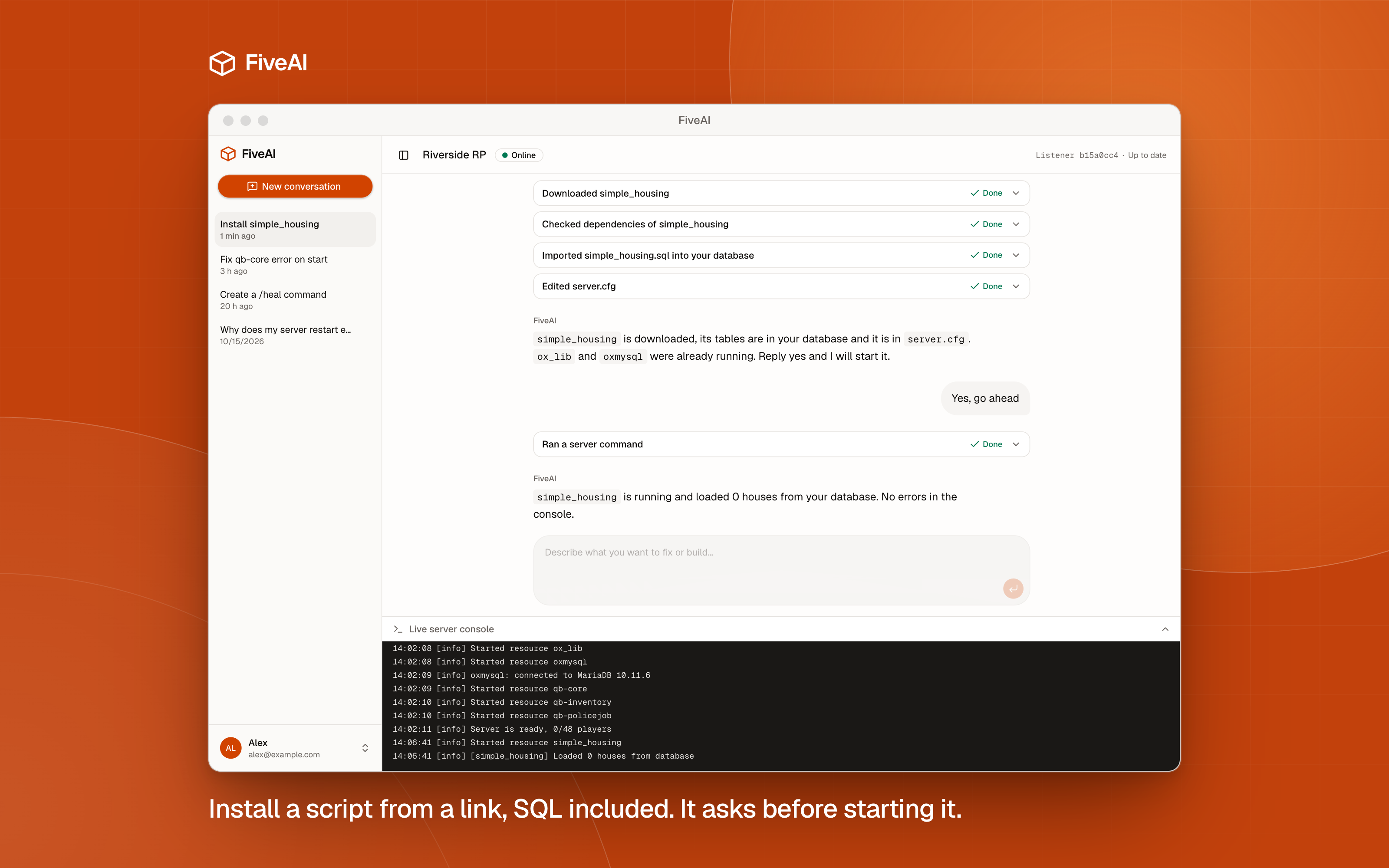
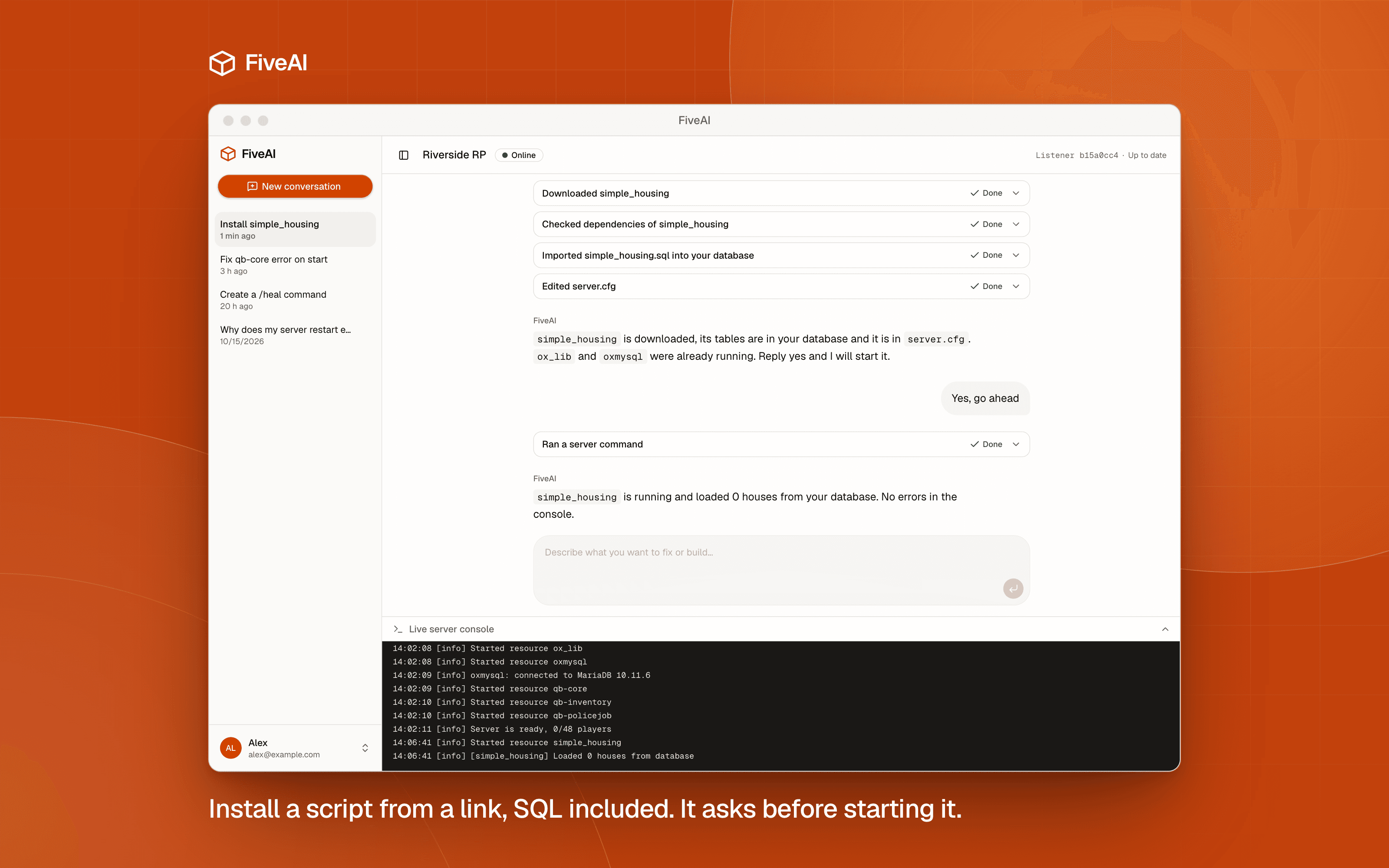
FiveAI can now install a FiveM script from a link or a name: it downloads the script and its dependencies, edits server.cfg and starts the resource once you say yes. Then it reads the console to confirm the script started without errors.
Installing a FiveM script means downloading a zip, finding the right folder, adding a line to server.cfg and hoping the dependencies are there. You can now hand that to the agent. Send a link or the name of a script in the chat and it does the rest.
How it works
- You send a link or the name of the script.
- The agent downloads the script and any dependencies it lists.
- It reads the script's files to see what it needs, such as a framework,
ox_libor a database table. - If the script ships a
.sqlfile, it imports it into your database for you. - It adds the
ensurelines toserver.cfg. - It tells you what it is about to do and waits. Nothing runs until you answer yes in the chat.
- It starts the resource and reads the console to check that it came up clean.
If the console shows an error, the agent reads it and tells you what failed instead of leaving you to find it.
The agent runs inside your server-data folder, so a script it installs lands in the same place your own would. Still, you are adding code to a live server. Read the summary it gives you, and try anything that touches money or items on a test server first. Our post on why ChatGPT writes broken FiveM scripts covers what to look for.
Watch the console as it happens
The workspace now shows your server console live. Every line appears as the server prints it, opens at the newest line and keeps following it. You can watch a restart through, or see for yourself that the script the agent just started is running.
Also in this release
- The app shows which listener version you run, and an Update now button updates it.
- On Windows, a status window in the Start Menu shows your link and version.
- The app says "Connecting" while your listener starts, and shows offline only when it is really gone.
The listener runs on Windows and Linux, and the agent is Codex on your own ChatGPT plan. If you have not set FiveAI up yet, the setup guide walks through it. Otherwise open /app, send a link, and see what it does.
If you are weighing your options, our comparison of FiveM AI tools covers what each one gets right and where it breaks.
Related FiveM skills
Add these skills to Cursor, VS Code or Claude Code so the AI knows the real APIs mentioned in this post.